
How Do I Keep My Business Data Organized in One Place?
Keep business data organized by picking one home for each type — customers, files, finances — and routing everything there. One source of truth, not five.

Evolvv Strategies
Operator notes
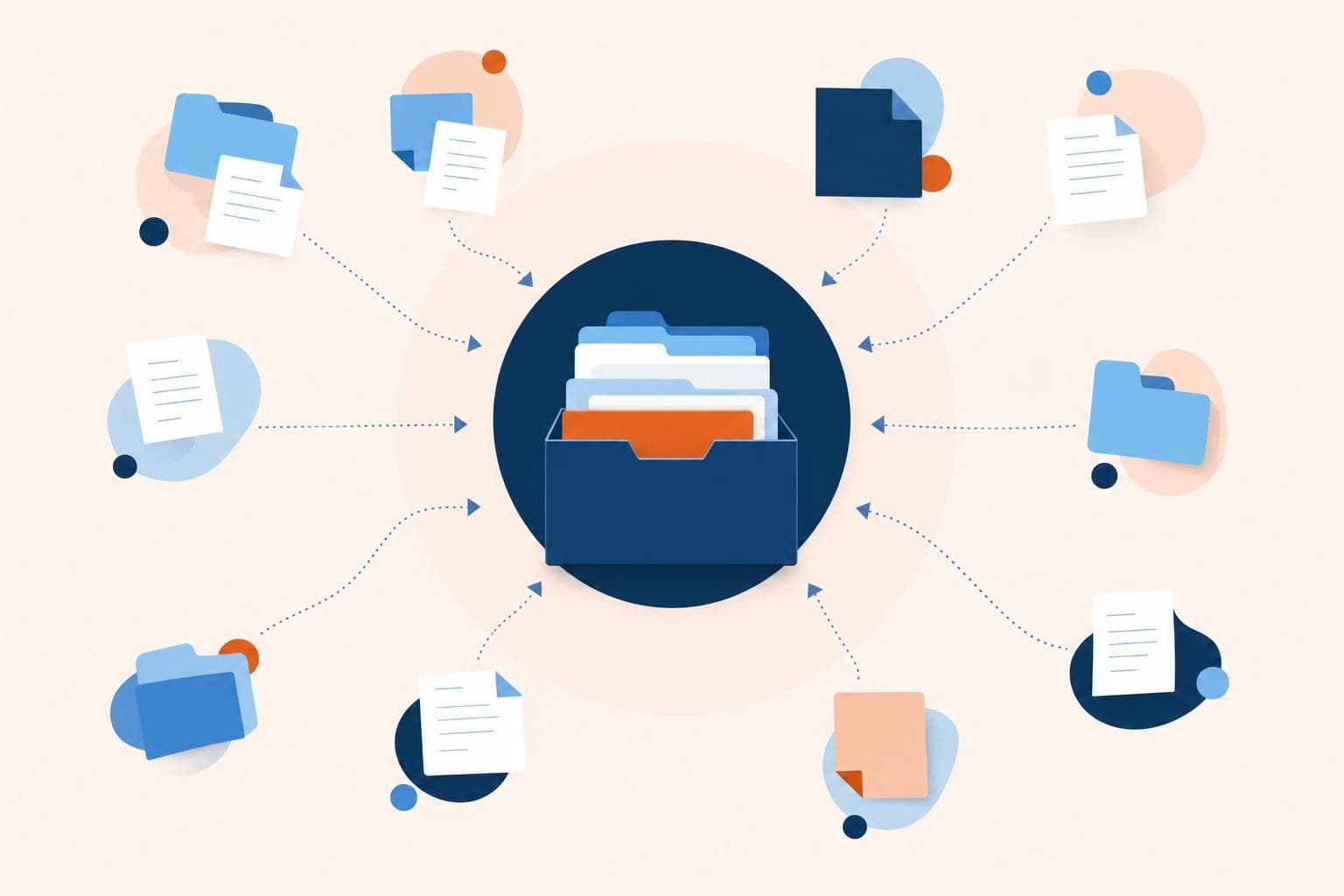
To keep business data organized in one place, decide a single home for each kind of data — customers in a CRM, files in one cloud drive, finances in your accounting tool — and route everything there consistently. You don't need one app for everything; you need one obvious place per type, and a rule that nothing important lives only in someone's inbox or head.
Most small businesses don't have a data problem so much as a 'where is it?' problem. Customer details in three places, files across two drives and a few inboxes, important decisions buried in chat threads. Nothing is lost, exactly — it's just scattered.
The cost shows up as wasted minutes hunting for things, duplicated work, and the quiet risk that the one person who knows where something lives is out that day.
One source of truth beats one big tool
People hear 'organize your data' and imagine buying one mega-platform that holds everything. You don't need that, and chasing it usually makes things worse. What you need is a clear answer to 'where does this go?' for each type of data.
Customer info has one home. Files have one home. Financial records have one home. Projects have one home. The tools can be different — that's fine — as long as each category has a single, agreed place and everyone uses it. The enemy isn't multiple tools. The enemy is the same information living in five places, where you never know which copy is right.
You don't need one app for everything. You need one obvious place for each thing.
The rule that keeps it organized
Picking the homes is the easy part. Keeping data there is where most systems fall apart, because the path of least resistance is to leave things wherever they land — an email attachment, a text, a note on a desk.
So the rule is simple: nothing important lives only in an inbox or a head. The moment a piece of data matters, it moves to its home. A new customer's details go into the CRM, not just your sent folder. A signed document goes into the drive, not just the email it arrived in. In 2026 you can automate a lot of this routing so it happens without anyone remembering — which is the most reliable kind of system.
Get organized in 5 steps
- List your data types. Customers, files, finances, projects, passwords — whatever your business actually runs on.
- Assign one home to each. One tool or folder per type, chosen and written down so it's not ambiguous.
- Consolidate what's scattered. Move the stray copies into their home and delete the duplicates so there's one version.
- Write the routing rules. A one-line 'this goes here' guide so the team and any new hire know where everything belongs.
- Automate the routing where you can. Use no-code tools to file new data into its home automatically instead of relying on memory.
Do this once and 'where is it?' stops being a question. The answer is always the same: in its home.
A real cost of scattered data
In 15 years of building businesses, the scariest version of this I've seen was a company where customer details lived only in one salesperson's personal inbox and phone. When they left, the business effectively lost half its client relationships overnight — contacts, history, context, gone. We rebuilt by putting every customer into a shared CRM with a hard rule that nothing customer-related stayed in a personal inbox. Boring? Yes. But it turned the business's most valuable asset from something one person could walk out the door with into something the company actually owned.
Quick wins you can try this week
- Write down the 5 types of data your business runs on and the one home each should live in.
- Move all your customer details into a single CRM and delete the scattered copies.
- Pick one cloud drive as the home for files and route everything there going forward.
- Write a one-page 'this goes here' guide so any new hire knows where everything belongs.
- Set up one automation that files new data into its home without anyone remembering to.
FAQ
Do I need one big platform to keep data organized?
No, and chasing one usually backfires. What you need is one clear home per type of data — a CRM for customers, a drive for files, your accounting tool for finances — and the discipline to keep each type there. Multiple tools are fine as long as each category has a single agreed place.
What's the most important data to organize first?
Customer data, almost always. It's your most valuable asset and the most dangerous to have scattered, because losing it or having it walk out with an employee can cripple the business. Get every customer into one shared CRM with a rule that nothing customer-related lives only in a personal inbox.
How do I stop data from scattering again?
Make one simple rule — nothing important lives only in an inbox or someone's head — and automate the routing wherever you can. The scatter happens because leaving data where it lands is easier than filing it. Remove that friction with automation, and data stays in its home by default.
Is it safe to keep everything in cloud tools?
For most small businesses, reputable cloud tools are safer than scattered local files, because they offer backups, access controls, and recovery you'd never set up yourself. The key is using strong passwords, two-factor authentication, and controlling who can access what. Organized and secured beats scattered across personal devices every time.
Scattered data usually means your operations outgrew their systems. A free Growth Audit shows where information is leaking and slowing you down, and our how we work page explains how we build one source of truth with you.