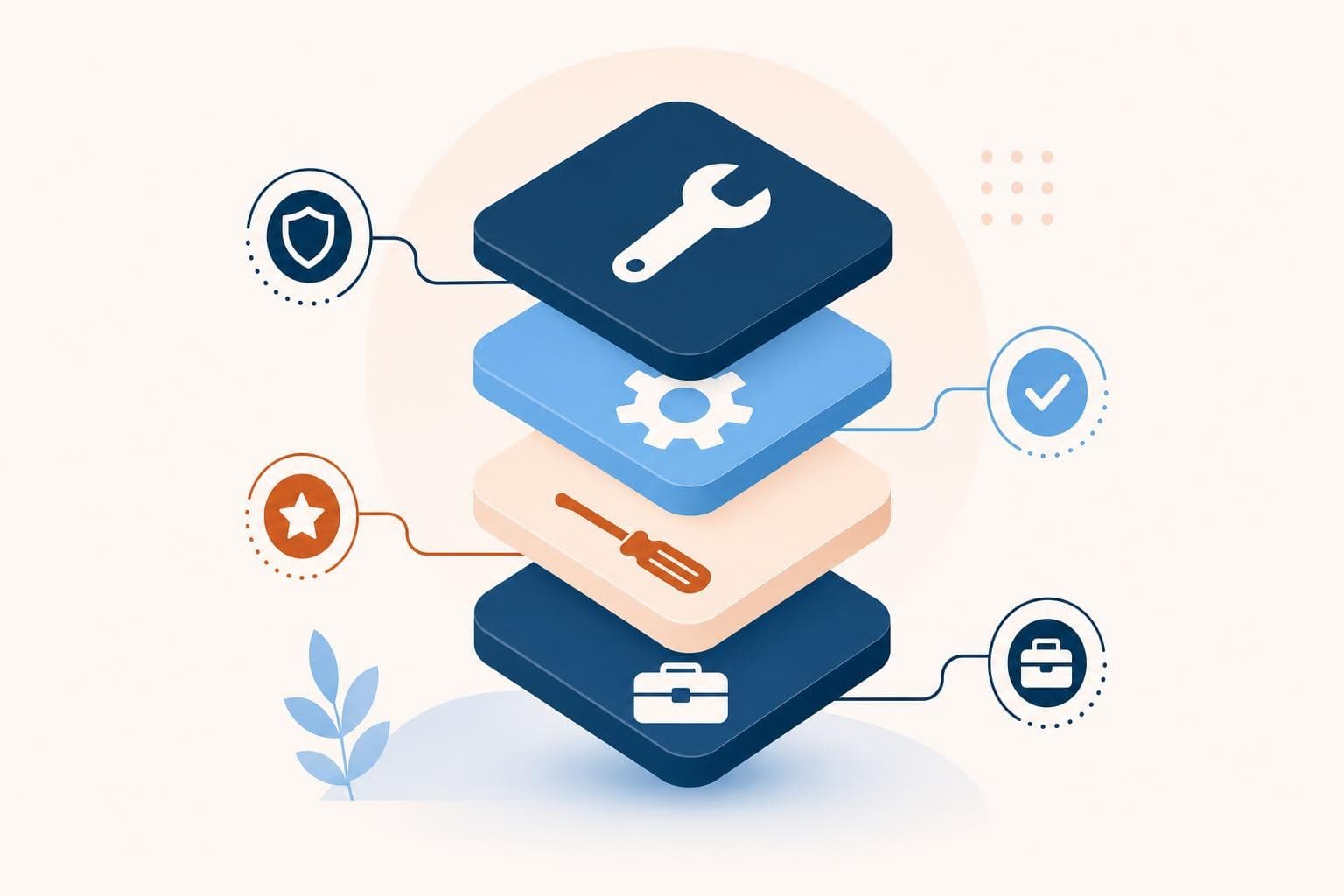

How Do I Keep My Small Business Website Secure?
Keep your small business website secure with HTTPS, automatic updates, strong unique passwords, multi-factor login, daily backups, and a firewall plugin.

Evolvv Strategies
Operator notes
Keep your small business website secure with six basics: force HTTPS, turn on automatic software updates, use strong unique passwords with multi-factor authentication, run daily off-site backups, add a web firewall or security plugin, and limit who has admin access. Most attacks target these gaps, not clever hacks.
Small business owners assume hackers only chase big targets. The opposite is true. Bots scan the entire web automatically, looking for any site running outdated software — and yours is just another door to rattle.
The good news: you don't need to be a security expert. You need to close the handful of doors attackers actually use. Here's how.
Why small sites get hit
Most attacks aren't personal. They're automated. Bots crawl millions of sites a day looking for a known vulnerability — an unpatched plugin, a default password, a missing update. When they find one, they're in, and your site starts serving spam, stealing customer data, or redirecting visitors to scams.
The cost is rarely the cleanup. It's the trust. A "this site may be hacked" warning in Google, a customer who entered their card on a compromised page, a week offline during your busy season — those hurt far more than the breach itself.
Hackers don't break in through genius. They walk in through the door you forgot to lock.
Which is the reassuring part. Almost every breach I've seen traced back to something boring and preventable: an old plugin, a reused password, no backup. Fix the boring stuff and you've handled the vast majority of the risk.
The six locks every site needs
You don't need everything. You need these six, in this order.
- Force HTTPS. An SSL certificate is free in 2026 and encrypts everything between your site and your visitors. No padlock, no trust — and Google flags you.
- Turn on automatic updates. Outdated software is the number one cause of breaches. Let your platform, themes, and plugins update themselves.
- Use strong, unique passwords plus MFA. One reused password is one breach away from disaster. A password manager and multi-factor login shut this down.
- Back up daily, off-site. If the worst happens, a clean backup turns a catastrophe into a 20-minute restore.
- Add a firewall or security plugin. Tools like Cloudflare or Wordfence block malicious traffic before it reaches your site.
- Limit admin access. Give people the lowest access they need, and remove logins the moment someone leaves.
Do these six and you've outpaced the vast majority of small business sites — which is exactly where the bots give up and move on.
The backup that saved the day
If you only act on one item, make it backups. Everything else reduces the chance of a problem; backups make any problem survivable.
When I ran my last company, a plugin we trusted pushed a bad update and took our site down hard on a Friday night. No drama — we restored Thursday's backup in about 15 minutes and lost nothing but an evening. The business next door to us in the same building had been hacked a month earlier with no backups, and they were rebuilding from screenshots for two weeks. Same neighborhood, very different night.
Set backups to run daily and store them somewhere other than your own server. Then test a restore once, so you know it actually works before you need it. Security is part of every site we build — it's baked into our services, not bolted on after.
Quick wins you can try this week
- Check for the padlock and HTTPS on your site — if it's missing, install a free SSL certificate today.
- Turn on automatic updates for your platform, themes, and plugins.
- Switch your admin login to a strong unique password and enable multi-factor authentication.
- Set up a daily off-site backup and run one test restore to confirm it works.
- Audit your user list and remove any admin accounts that don't need access.
FAQ
Do small business websites really get hacked?
Yes, constantly — but almost never on purpose. Automated bots scan the whole web for sites running outdated or misconfigured software and exploit whatever they find. Your size doesn't protect you; your maintenance does. Keeping software updated removes most of the risk.
What's the single most important security step?
Keeping all your software updated, because outdated plugins and platforms cause the majority of breaches. A close second is daily off-site backups, which make any breach recoverable instead of catastrophic. Together those two cover most real-world risk.
Is an SSL certificate enough on its own?
No. SSL (the padlock and HTTPS) encrypts data in transit and is essential, but it doesn't stop someone from exploiting an outdated plugin or guessing a weak password. Treat it as one of six basics, not the whole job.
How often should I back up my website?
Daily for most businesses, and immediately before any major update. Store backups off-site, not just on the same server as your site, so a server-level problem doesn't take your backups with it. Test a restore at least once so you know it works.
Want to know if your site has any open doors right now? A free Growth Audit includes a look at the technical health and trust signals customers and Google both judge you on.