

How Do I Use Video Marketing If I Hate Being on Camera?
You don't need your face on screen. Use hands-on demos, screen recordings, B-roll, and voiceover to make video marketing that sells without you on camera.

Evolvv Strategies
Operator notes
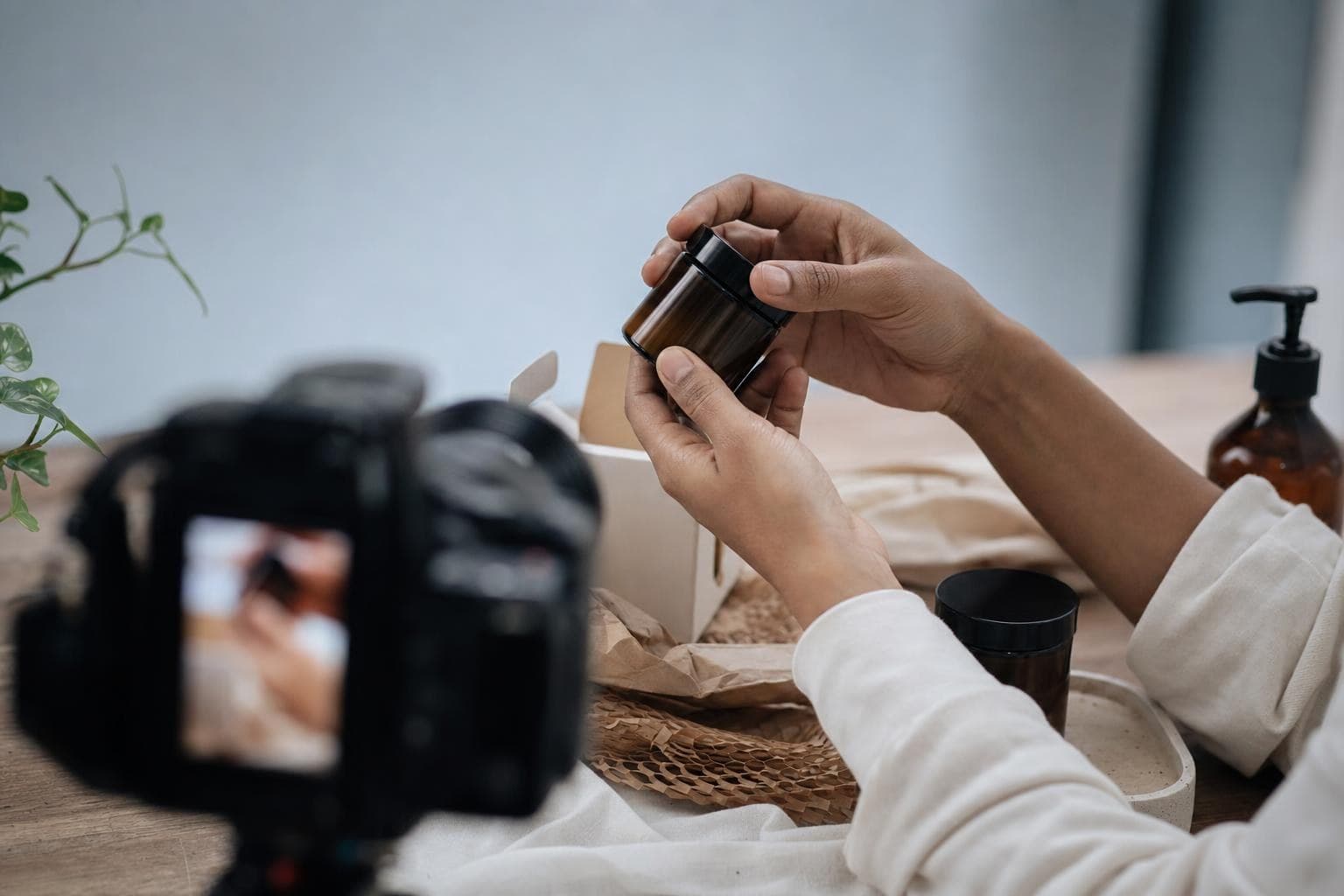
You can do video marketing without ever showing your face. Film your hands doing the work, record your screen, shoot product close-ups and B-roll, and narrate over it. Customers care about seeing the result and the process — not your face. Faceless video done well still builds trust and drives sales.
Hating the camera is the most common reason owners skip video. It's also the weakest excuse, because the camera was never the point.
People don't watch a roofer's video to see the roofer. They watch to see the roof. Let me show you how to use that.
Why faceless video still works
Video sells because it shows, not tells. A 30-second clip of a clean install, a before-and-after, or a tricky step done right does more than a page of text. None of that requires your face.
Some of the biggest accounts online are entirely faceless — pure hands, tools, and results. Customers trust competence they can see. Watching skilled hands work is its own kind of proof, and it's often more persuasive than a talking head, because there's nothing to fake.
People don't watch a roofer's video to see the roofer. They watch to see the roof.
So drop the idea that video means standing in front of a lens delivering a monologue. That's one format, and honestly not even the best-converting one for most service businesses.
Five faceless formats that sell
Pick one of these, shoot it on your phone, and you've got marketing video without a single second of face time.
- The over-the-shoulder demo. Point the phone at your hands doing the actual work. Narrate what you're doing and why it matters. This is the workhorse — endlessly repeatable.
- Before-and-after. Film the mess, film the result, cut them together. Satisfying, fast, and it sells the outcome with zero scripting.
- Screen recording. If you sell anything digital or do anything on a computer, record the screen and talk over it. Software, design, planning — all perfect for this.
- Product close-ups with voiceover. Slow B-roll of the product or finished work, with you explaining the details that matter. No live performance required.
- Text-on-screen tips. Quick clips of your work with captions delivering the lesson. Great for people who hate their voice too.
Notice none of these need a studio, a script you memorize, or your face. They need your phone and your expertise.
The 20-minute filming habit
The real barrier isn't the camera — it's the workflow. So make it stupid simple. Mount your phone where you already work, hit record before a job, and capture raw clips as you go. Edit later, or don't edit much at all.
When I was building my first business, I dreaded video for years. The thing that broke the logjam was deciding I'd never appear in it — just my hands and my voice. Suddenly there was nothing to be self-conscious about. I filmed a dozen clips in a week, posted them rough, and one of them brought in three jobs. Done beats polished, and faceless beats not-at-all.
Batch it. Spend one afternoon capturing raw footage from real jobs, then you've got weeks of content to trim and post. The hard part is starting, not sustaining.
Quick wins you can try this week
- Pick one faceless format and commit to only that for your first five videos.
- Mount your phone over your work area and film one job from start to finish.
- Record a 30-second before-and-after of your most satisfying result.
- Add captions so it works with the sound off — most people scroll on mute.
- Post one rough clip this week without overthinking the editing.
FAQ
Will faceless videos perform as well as ones with my face?
For most service and product businesses, yes — sometimes better. Demonstration and result-focused videos convert strongly because they show proof. Personal-brand niches benefit from a face, but if showing yours is the thing stopping you from posting at all, faceless video you actually publish beats polished video you never make.
What equipment do I need to start?
Your phone and decent light. A cheap clip-on microphone improves voiceover noticeably, and a small tripod or phone mount keeps shots steady. That's it. Spending on gear before you've posted ten videos is just procrastination with a receipt — start with what's in your pocket.
How do I narrate if I hate my voice too?
Use text-on-screen captions instead of a voiceover, or write your point as on-screen text over the footage. You can also record voiceover separately and re-do it until it feels natural — no live pressure. Many top accounts use only music and captions, so a voice is optional.
Where should I post these videos?
Start with one platform where your customers already are — usually Instagram, TikTok, or YouTube Shorts for local and product businesses. Post the same clip across a few, but focus your energy on one. Also embed your best videos on your website, where they help close visitors who are already considering you.
Want a clear plan for where video fits in your customer acquisition? A free Growth Audit maps it out — or see how we work with founder-led businesses.