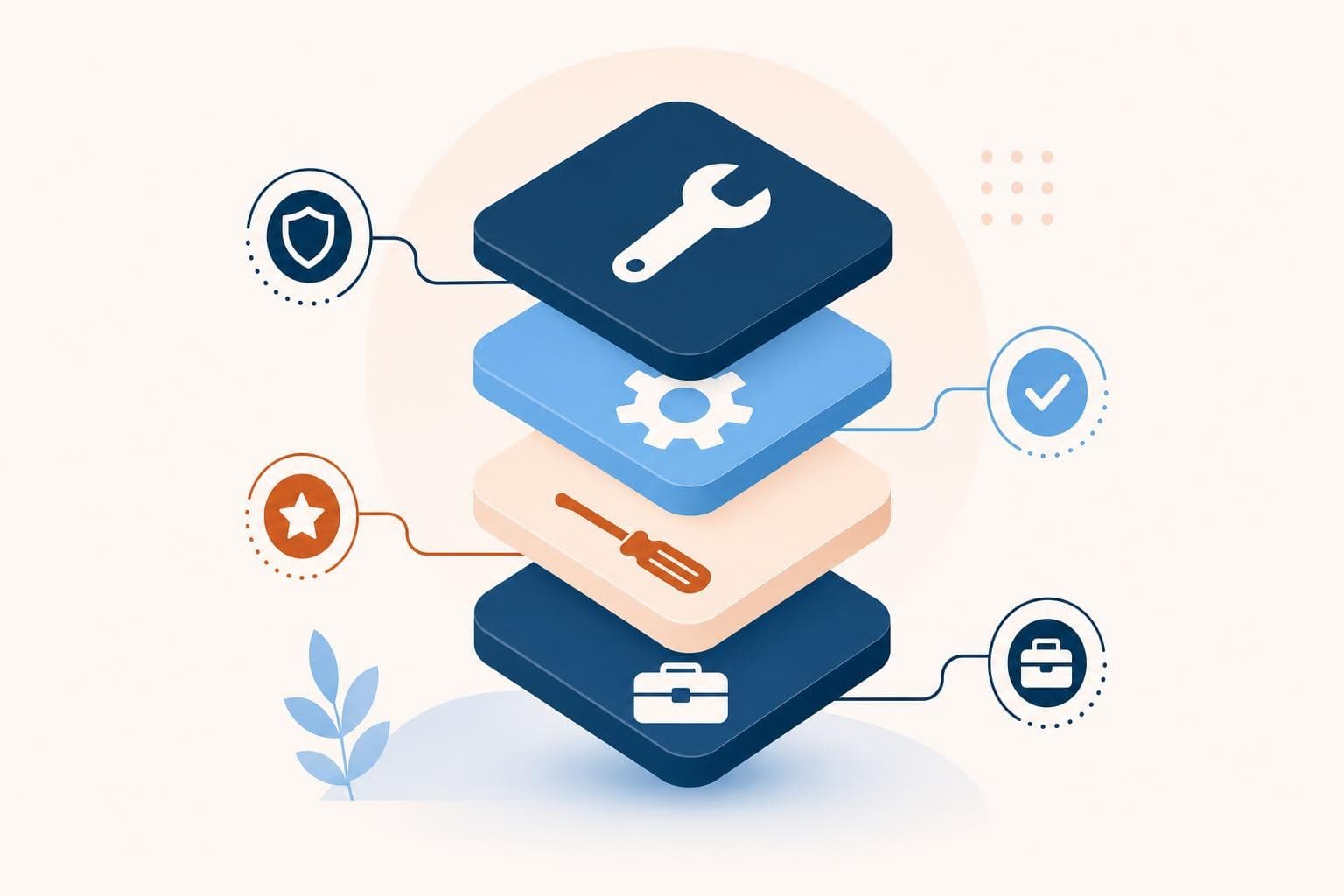
What Tasks Should I Automate First?
Automate the repetitive, high-volume, low-judgment work first — and never the judgment calls. Here's a quick audit to find your best first automation.

Evolvv Strategies
Operator notes
Automate the tasks that are repetitive, high-volume, and low-judgment first — data entry, reminders, follow-ups, scheduling, simple replies. Leave anything that needs judgment, relationships, or trust to humans. The best first automation is boring, frequent, and rules-based, so it saves real time without risking the customer experience.
The temptation is to automate the impressive stuff — the big, visible, "wow" workflow. That's usually the wrong place to start, because the impressive stuff often involves judgment, and judgment is exactly what you shouldn't hand to a machine yet.
Start where it's safe and frequent. Get a quick win. Build from there. (For the bigger picture on how to automate a small business with AI, this is the first step.)
The filter: repetitive, high-volume, low-judgment
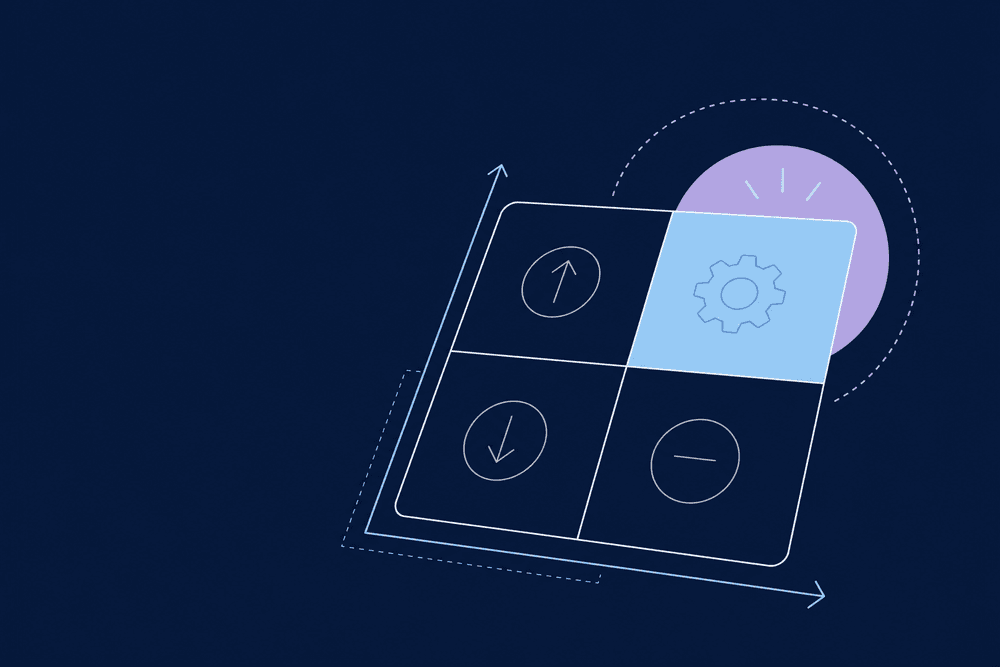
Every task you do sits somewhere on two axes — how often you repeat it, and how much judgment it needs. Your first automations live in one corner:
- Repetitive — you do it the same way every time.
- High-volume — you do it a lot, so saved minutes add up.
- Low-judgment — the rules are clear; there's a right answer.
A task that's all three is a perfect first automation. A task that's rare or judgment-heavy is not.
Automate the rules. Keep the judgment. The mistake is doing it backwards.
The 15-minute automation audit
List everything you and your team did this week, then tag each task:
- How often does it happen? (daily, weekly, monthly)
- Does it follow clear rules, or need a human call?
- How long does each instance take?
- What breaks if it's done slightly wrong?
Sort for high-frequency, rule-based, low-risk tasks. The one at the top is your first automation.
Strong first candidates
- Appointment reminders and scheduling.
- Review requests after a completed job.
- First-draft replies to common inquiries (human approves).
- Moving data between tools so you stop copy-pasting.
- Lead tagging and routing.
What to never automate (yet)
Keep humans on anything involving judgment, emotion, or trust: pricing exceptions, hard customer conversations, relationship moments, and final approval on anything customer-facing. Automating those too early makes the brand feel cold and erodes the trust you spent years building. The line is simple — machines for volume and rules, humans for judgment and relationships. If you want that line drawn clearly, here's what to automate versus keep human.
A real number
One owner spent an hour a day manually sending appointment reminders and chasing no-shows. We automated the reminders with a confirm-or-reschedule link. No-shows dropped and he got an hour a day back — from a task that was pure rules and zero judgment. That's the kind of boring win to start with. Stack a few of them and it adds up fast — this is how you save ten hours a week with automation.
Here's what I'd actually do this week
Run the 15-minute audit. Pick the single most repetitive, rule-based task on the list. Automate just that one, watch it for a week, then move to the next. Stack small reliable wins instead of building one fragile mega-workflow.
FAQ
How do I decide what to automate first?
Score your tasks on frequency, how rule-based they are, and how much time each takes. The first automation should be high-frequency, clearly rule-based, and low-risk if it's slightly off. Boring and repetitive is exactly right — those tasks save the most time with the least chance of damaging the customer experience.
What should I never automate?
Judgment calls, emotional conversations, and trust moments — pricing exceptions, difficult customer issues, relationship-building, and final sign-off on anything customer-facing. Automating these too early makes your business feel cold and can cost you customers. Keep humans on judgment and relationships; let automation handle volume and clear rules.
How much time can automating one task really save?
More than you'd expect, because small repeated tasks add up. Automating a daily 30-minute chore reclaims over two hours a week — more than a hundred hours a year from one workflow. Stack a few of those and you've effectively bought back a meaningful slice of your week without hiring anyone.
Do I need different tools for different automations?
Usually one automation hub like Zapier or Make can handle most of them by connecting the apps you already use. Start with a single hub, build one workflow, and reuse the same tool as you add more. You rarely need a separate product per task — consolidation keeps it simpler and cheaper.
Not sure which task is your best first automation? A free Growth Audit spots it, and our Operations & Automation work builds it.